AI Logo to Vector —
Make Your AI-Generated Logo Print-Ready
You generated a logo with an AI tool. It looks great on your screen. Now you need it printed, embroidered, or used professionally — and suddenly nothing works. This is the problem we solve every day.
Starting from $25 · All formats included · Quote in 30 min · 100% satisfaction guaranteed
Why Your AI Logo Can't Be Used Professionally — As-Is
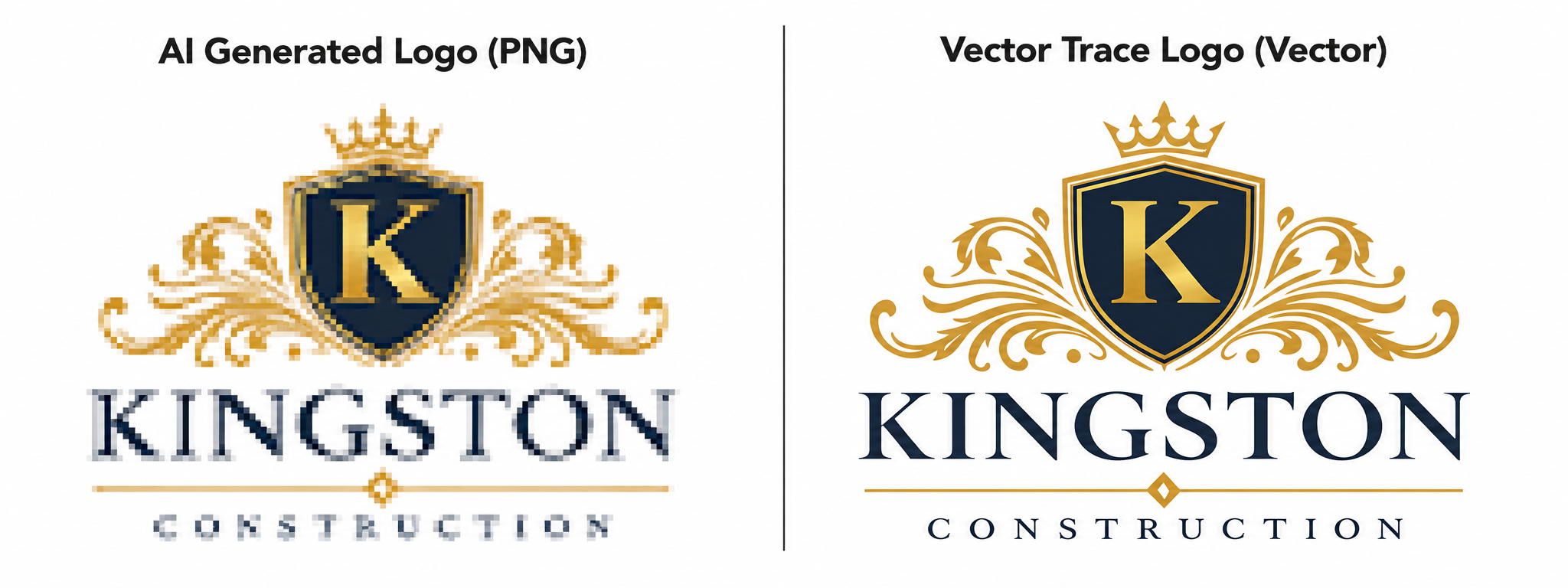
When any AI image tool creates a logo, the output is a raster file — a PNG made of pixels. Pixels are a screen format. They have a fixed resolution: scale them up and they blur.
Your AI logo at 1024 × 1024 pixels looks sharp on a laptop screen. Ask a commercial printer to reproduce it on a banner — they'll reject it. Ask a sign company to cut it in vinyl — not accepted. Send it to an embroidery shop — can't work with it.
The professional world runs on vector files. Vector files describe shapes with mathematics rather than pixels, so they scale perfectly to any size — business card to billboard. Here's what the major tools actually output:
ChatGPT / DALL-E
PNG files only. No vector option exists.
Midjourney
High-resolution PNG. No SVG or EPS export. Typography is often subtly distorted.
Canva AI / Canva Logo Maker
SVG download available, but files commonly wrap a rasterized image — not true vector paths. Rejected by commercial printers.
Ideogram
PNG output only, despite strong text rendering. Requires conversion before professional use.
Adobe Firefly
JPG and PNG only. No native vector output.
Looka / Wix / Tailor Brands
SVG files with font licensing complications that do not meet commercial printer or embroidery shop standards.
No mainstream consumer AI tool reliably outputs production-ready vector files.
Why Auto-Tracing Doesn't Work on AI Logos
You may have heard: “Just upload it to Vectorizer.io” or “Use Image Trace in Illustrator.” For very simple, clean, flat-color images, auto-trace can work. AI-generated logos are not those images.
Gradients
AI tools blend colors continuously. A logo that appears to have three colors may contain hundreds of intermediate gradient values. Auto-trace generates 10,000–20,000 anchor points to represent them.
Anti-aliasing
Every edge has a gradual pixel softening to appear smooth on screen. Auto-trace reads these transition pixels as real shapes, adding a fringe of ghost paths to every curve.
Noise
AI generation introduces subtle texture into flat areas. A solid blue circle is not a single uniform color. Auto-trace turns these variations into dozens of overlapping shapes.
Typography
Text in AI logos has subtle irregularities. Auto-trace amplifies these into broken letterforms and inconsistent strokes that are visible in print.
Starting from $25 · All formats included · Quote in 30 min · 100% satisfaction guaranteed
How We Convert Your AI Logo to Vector
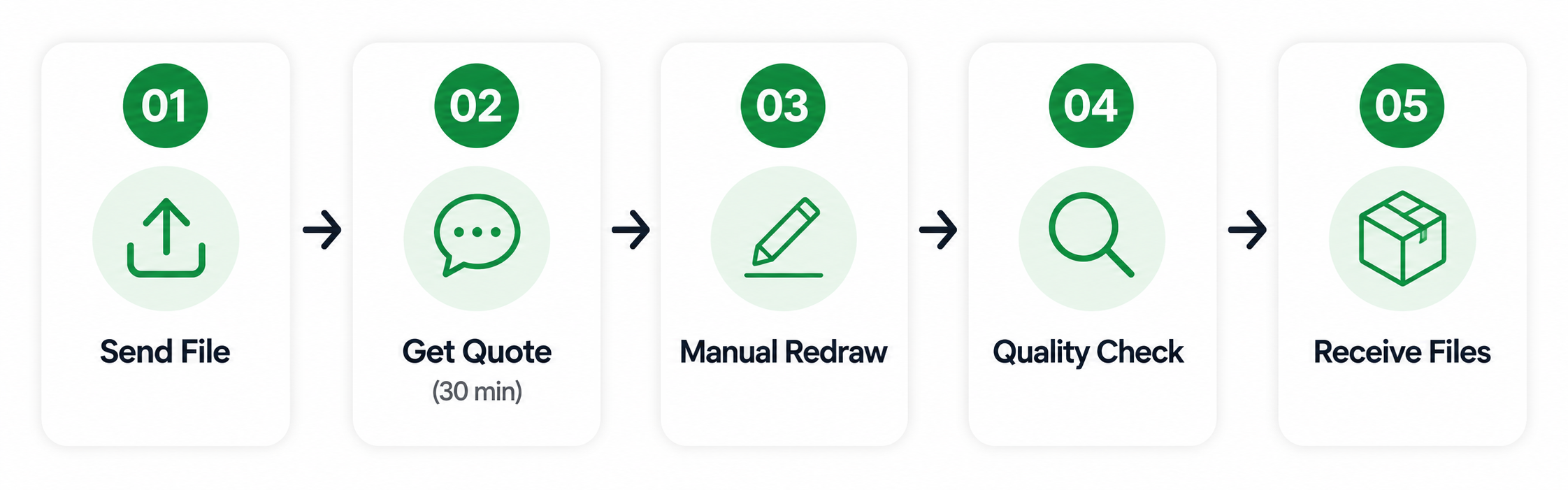
Send Us Your File
Share your PNG, JPG, or screenshot via WhatsApp or email. Any resolution. Let us know what the logo will be used for so we can set up the file correctly.
Free Quote in 30 Minutes
We review your file and send an exact quote based on complexity. Most AI logos are $35–$65. No surprises.
Manual Redraw
A professional designer opens your AI logo in Adobe Illustrator alongside a blank canvas and recreates every element by hand — each curve, letterform, shape, and color block.
Quality Check at 800–1200% Zoom
We review every element at extreme magnification before delivery. Any imperfection in curves, anchor points, or colors is corrected at this stage.
Delivery in 24–48 Hours
You receive a complete ZIP file package via email. All six formats, clearly labeled.
What You'll Receive
Every order includes the complete professional file set — no extras to purchase.
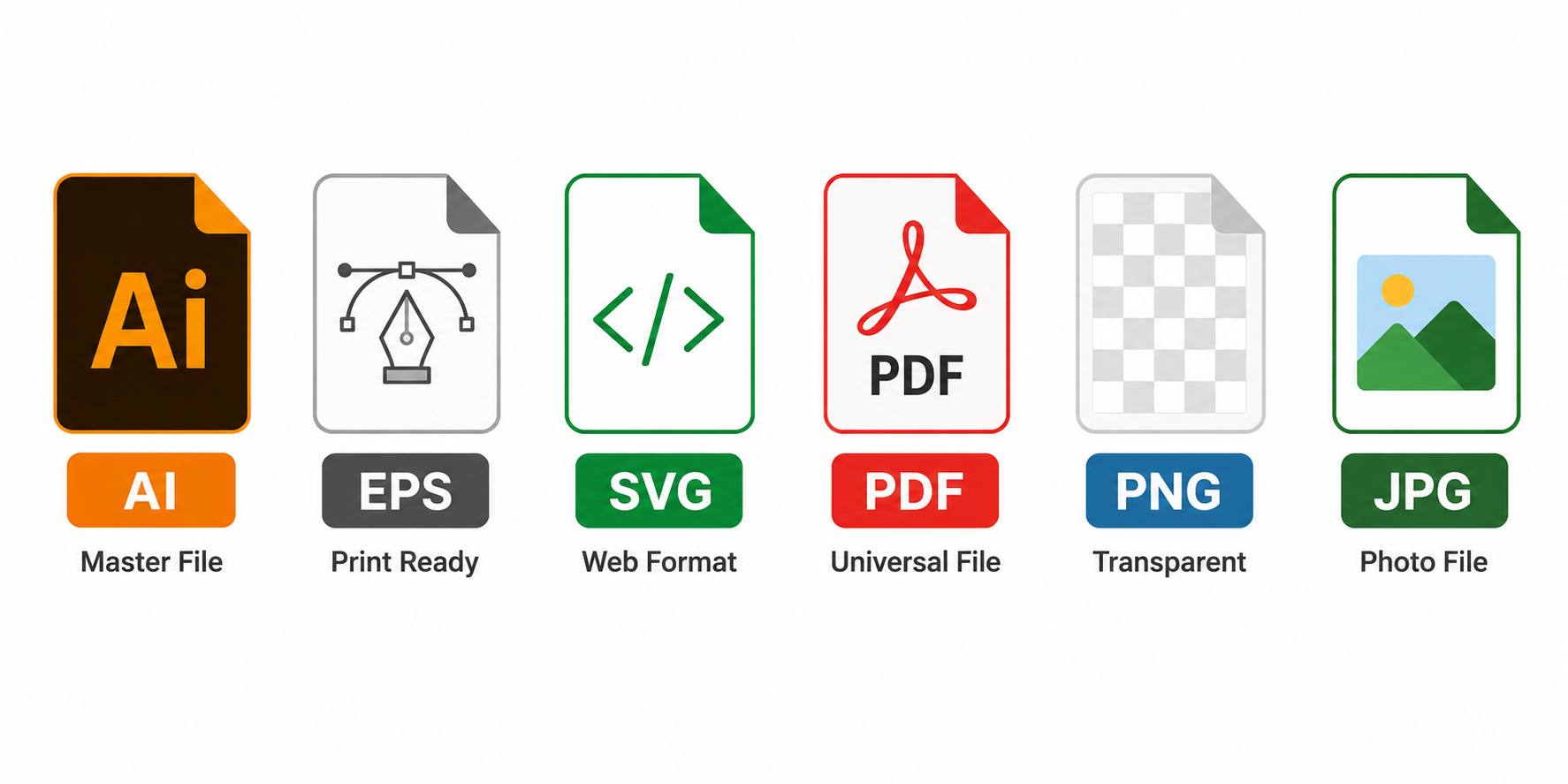
Adobe Illustrator source file. Every element on organized, editable layers. Any designer or print shop can open and modify this file.
The universally accepted print format. Accepted without question by commercial printers, sign manufacturers, and production facilities worldwide.
Web and digital vector format. Used for websites, apps, and digital production environments.
Print-ready format that opens on any device without requiring design software.
High-resolution with transparent background at 300 DPI.
High-resolution on white background at 300 DPI.
All files delivered as a single ZIP to your email address.
Starting from $25 · All formats included · Quote in 30 min · 100% satisfaction guaranteed
AI Tools We Work With
We convert logos created by any AI tool, including:
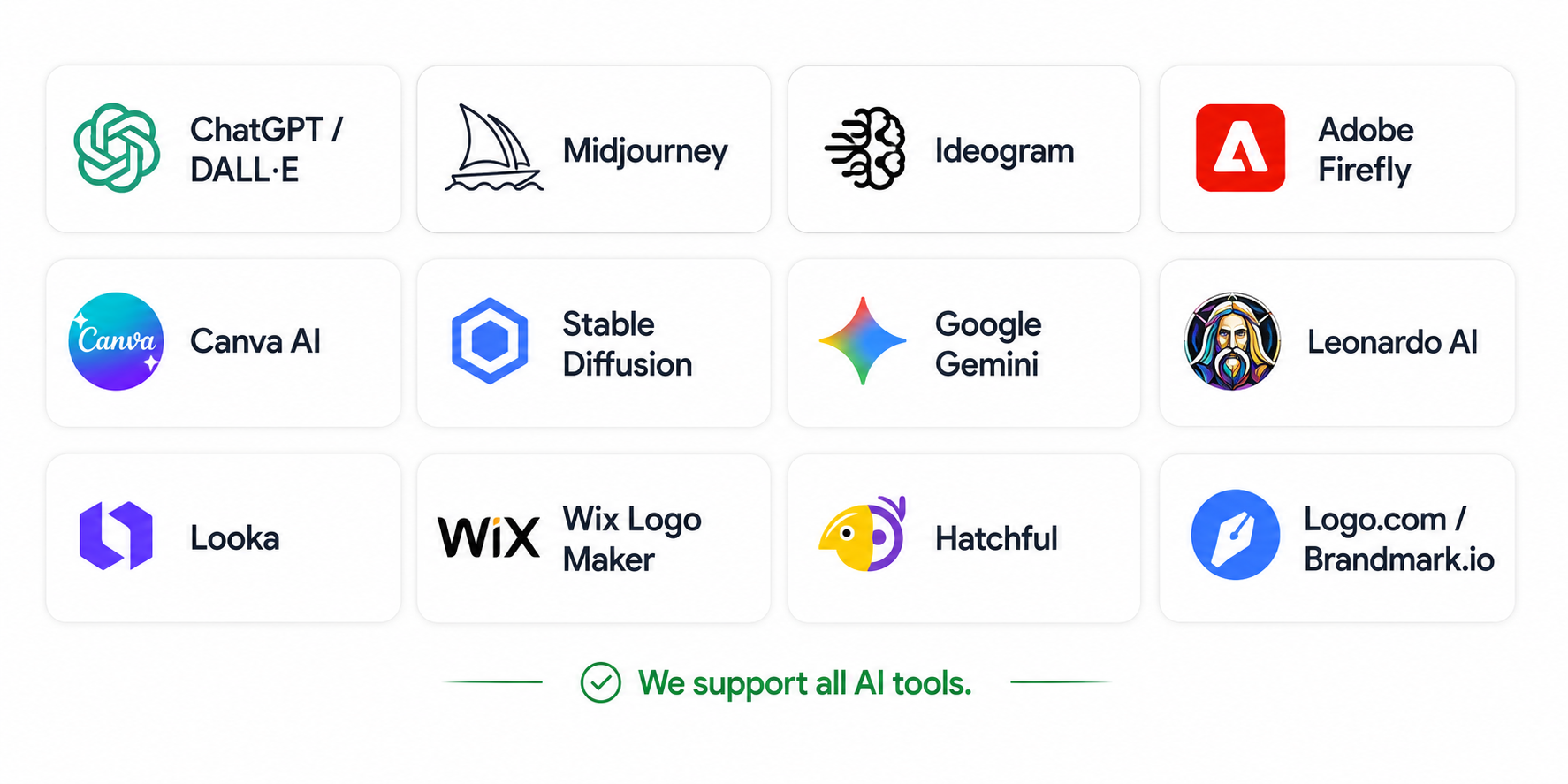
If your logo was created with software and exists as a PNG or JPG, we can vectorize it.
Pricing
See full details on our pricing page.
| Complexity | Starting From | Turnaround |
|---|---|---|
| Simple — 1–3 colors, basic shapes | $25 | 12–24 hours |
| Standard — 4–6 colors, icon + text | $45 | 24–48 hours |
| Complex — gradients, illustrations | $75 | 48 hours |
| Rush delivery | +$15–25 | Same day available |
Every order includes all six file formats. Minor revisions always free. 100% satisfaction guaranteed.
Frequently Asked Questions
Ready to make your AI logo professional?
Send us the file and we'll quote you within 30 minutes.
Starting from $25 · All formats included · Quote in 30 min · 100% satisfaction guaranteed
See also: manual logo tracing · PNG to vector conversion · logo redraw service · see our pricing